
Common Signs Your Computer Has a Malware Infection
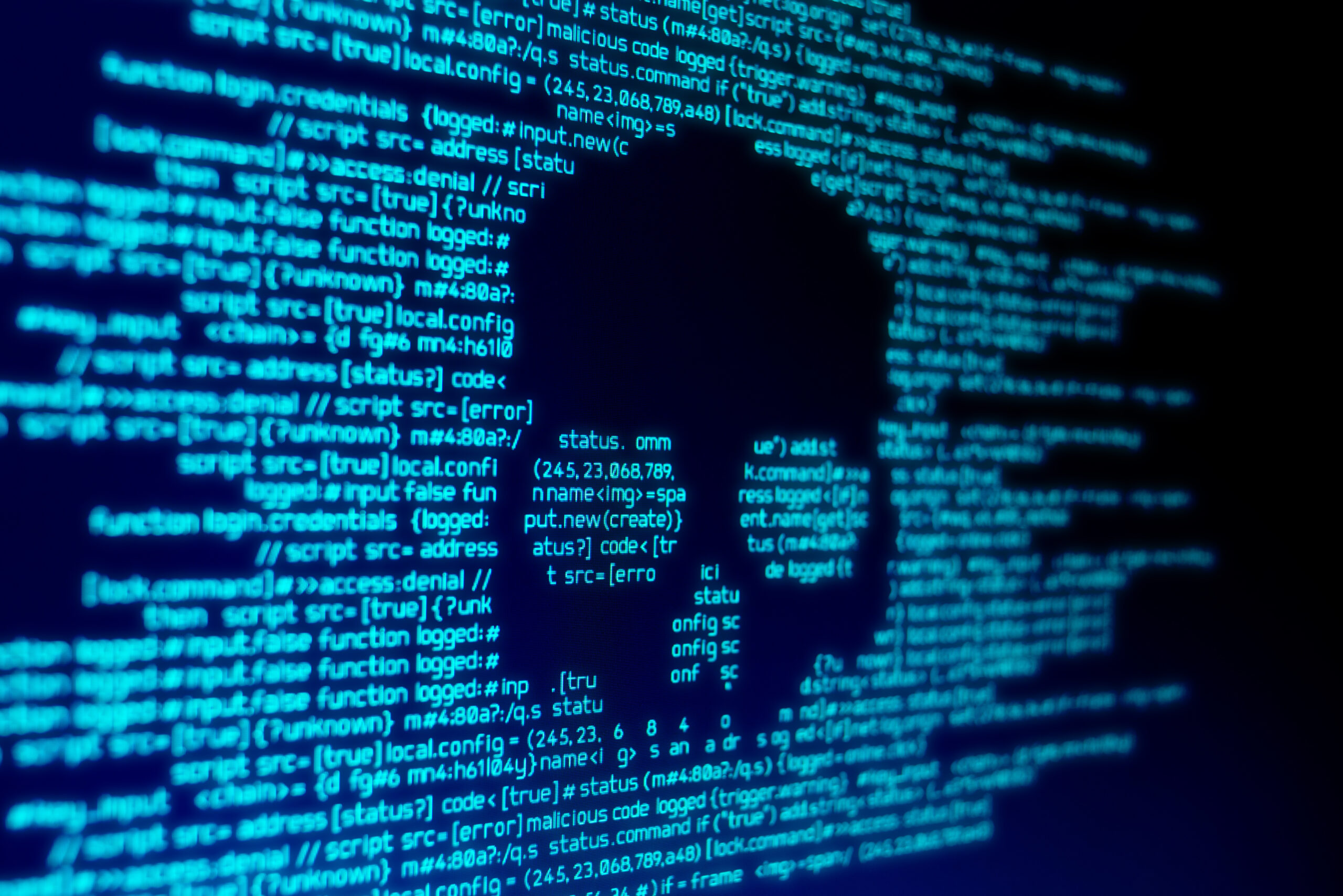
Signs Your Computer Has Malware | IT Services in Virginia Beach
Even Secure Systems Can Become Infected
Malware infections remain one of the most common cybersecurity threats facing businesses today. Even if your organization keeps software updated, installs security patches, and runs antivirus programs, cybercriminals constantly develop new methods to bypass protection.
If your computer or network suddenly starts behaving unusually, the issue may be more than a simple technical glitch. In many cases, strange performance issues or unusual alerts can indicate a malware infection.
As a trusted provider of IT services in Virginia Beach, Computer Networks, Inc. helps businesses detect and remove malware before it leads to data loss, security breaches, or costly downtime. Below are several warning signs that your computer may be compromised.
Strange Pop-Up Messages and Fake Security Alerts
Unexpected pop-up windows are often one of the first signs of malware. These alerts may claim that your computer has thousands of problems or urge you to download software to fix a supposed issue.
These messages are designed to trick users into installing additional malicious software. Clicking these alerts can lead to spyware, ransomware, or other harmful programs being installed on your system.
If your browser suddenly displays repeated pop-ups or fake security warnings, it is important to stop interacting with them and run a full security scan.
Sluggish Computer Performance That Does Not Improve
A slow computer can sometimes be caused by normal issues such as too many programs running or a system that needs to be restarted. However, persistent slow performance can also indicate malware running in the background.
Malicious software often consumes system resources while performing hidden activities such as sending spam emails, mining cryptocurrency, or collecting sensitive data.
If your computer remains unusually slow even after restarting or closing applications, malware could be operating behind the scenes.
Antivirus or Security Software Suddenly Turns Off
Security programs should not disable themselves. If your antivirus software or endpoint protection keeps shutting off unexpectedly, it may be a sign that malware has already infiltrated the system.
Many types of advanced malware attempt to disable security tools to prevent detection. When protective software stops functioning without explanation, it is important to investigate immediately.
Professional IT support can identify the root cause and restore your system’s security protections.
Your IP Address Has Been Blocked
If websites suddenly report that your IP address has been blocked, your computer may have been infected and used in malicious activity.
Cybercriminals often recruit compromised computers into botnets. These networks of infected devices are used to send spam, launch cyberattacks, or distribute malware to other systems.
When a device becomes part of a botnet, the IP address may be flagged or blocked by security systems across the internet.
Constant Hard Drive or System Activity
When a computer is idle, system activity should remain minimal. If your hard drive light stays active continuously or the system fans run constantly without heavy applications open, hidden processes may be running.
Malware often performs background tasks such as data transmission, system monitoring, or communication with remote servers.
Continuous system activity without explanation is a strong indicator that your device may be compromised.
What to Do If You Suspect a Malware Infection
If you notice any of these warning signs, run a full antivirus or endpoint security scan immediately. Disconnecting the device from your network can also help prevent malware from spreading to other systems.
However, some advanced threats are designed to hide from security software or prevent scans from completing successfully. When this happens, professional cybersecurity support is often required to fully remove the infection and restore system integrity.
Professional Malware Removal and Cybersecurity Protection
Computer Networks, Inc. provides expert malware detection, removal, and cybersecurity protection for businesses across Virginia Beach and the greater Hampton Roads region.
Our managed IT services include:
-
Advanced threat detection and monitoring
-
Endpoint protection and patch management
-
Network security and firewall protection
-
Data backup and disaster recovery
-
HIPAA and regulatory compliance support
By proactively monitoring your systems and identifying threats early, we help businesses prevent cyber incidents before they disrupt operations.
IT Services and Cybersecurity Support in Hampton Roads
Founded in 2004 by Rick Boyles, Computer Networks, Inc. delivers reliable IT support and cybersecurity services for small businesses, professional offices, and healthcare practices throughout Hampton Roads.
We support organizations in:
-
Virginia Beach
-
Norfolk
-
Chesapeake
-
Portsmouth
-
Suffolk
Our team helps businesses strengthen their network security, maintain regulatory compliance, and operate with dependable technology every day.
If you suspect malware or need expert IT support, contact Computer Networks, Inc. to schedule a cybersecurity consultation.
Phone: 757-333-3299 x200
Email: info@computernetworksinc.com